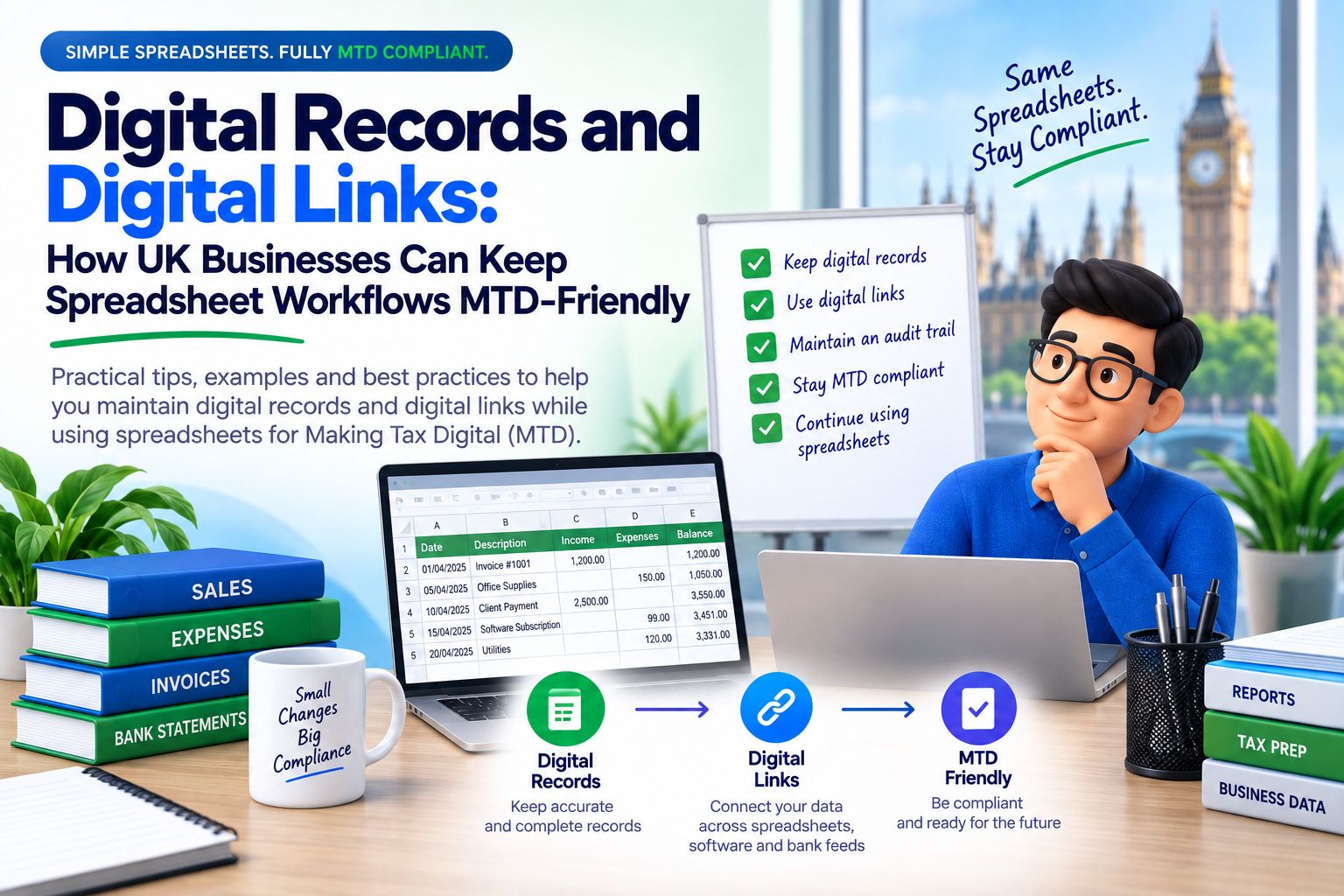
Spreadsheets are still part of everyday finance for many UK small businesses. They are flexible, familiar and low-cost. Making Tax Digital does not automatically mean every business must abandon spreadsheets, but it does change how records and submissions need to connect to HMRC.
Who this guide is for
This guide is for UK small businesses, landlords, sole traders, VAT-registered businesses, bookkeepers and agents who use spreadsheets and want to understand how digital records, digital links and bridging software fit into Making Tax Digital.
What is a digital record?
A digital record is a business or property record kept in a digital format that supports the figures submitted to HMRC. It is not simply a printed spreadsheet scanned back into a computer, and it is not only a PDF copy of a receipt.
For VAT, HMRC VAT Notice 700/22 explains that functional compatible software must be able to keep and maintain required records, prepare VAT Returns from those records and communicate with HMRC digitally through the API platform.
Digital records should support the VAT Return figures, including sales, purchases, adjustments and VAT amounts where required.
For affected sole traders and landlords, income and expense records should be created and maintained digitally during the tax year.
What is a digital link?
A digital link is a digital transfer or exchange of data between software programs, products or applications. In practical terms, figures should move through a connected digital process rather than being manually copied and pasted at the final filing stage.
This matters for spreadsheet-led businesses. A spreadsheet may calculate or summarise the figures, but the final submission to HMRC should be made through MTD-compatible software or bridging software.
What can go wrong with spreadsheet workflows?
Spreadsheets are useful, but weak controls can create compliance and filing risks. The most common issues are not always technical; they often happen because the workflow becomes unclear.
- Manual re-keying creates avoidable error risk, especially when VAT box totals are copied from one place to another.
- Files may not show a clear audit trail from transactions to submitted return figures.
- Different versions of the same spreadsheet may be saved in multiple places without a clear final source.
- A business may keep digital records but still submit through a route that is not compatible with MTD requirements.
- Formula changes, hidden rows or broken links can affect totals without being noticed before submission.
A cleaner workflow for MTD-friendly spreadsheets
A good spreadsheet workflow should make it easy to understand where the numbers came from, who reviewed them and how they were submitted.
Keep source records consistently
Use a clear file structure for sales, purchases, expenses, adjustments and supporting documents.
Lock down formulas where possible
Accidental formula edits are one of the easiest ways to create filing errors. Protect key calculation cells and review totals before filing.
Keep supporting documents
Digital records do not remove the need to retain evidence such as invoices, receipts, statements and adjustment notes.
Use compatible or bridging software
The final filing route should connect to HMRC digitally rather than relying on manual portal entry.
Review before submitting
Check period dates, VAT registration details, box totals and whether the return is nil, repayment or payment due before sending.
How this applies to VAT and Income Tax
| Area | What businesses should know |
|---|---|
| MTD for VAT | VAT-registered businesses are required to keep digital VAT records and submit VAT Returns using compatible software unless exempt. If spreadsheets are used, bridging software can help connect spreadsheet data to HMRC. |
| MTD for Income Tax | MTD for Income Tax is being introduced in phases. Current GOV.UK guidance says it applies from 6 April 2026 for qualifying income over £50,000, from 6 April 2027 for qualifying income over £30,000, and from 6 April 2028 for qualifying income over £20,000. |
| Penalty awareness | For VAT, late submission penalties use a points-based system. Once a business reaches its penalty point threshold, HMRC can charge a £200 penalty, with further £200 penalties for later failures while at the threshold. |
MTD-friendly spreadsheet checklist
- Use one clear final spreadsheet file for each VAT or tax period.
- Keep source records, exports and supporting evidence saved digitally.
- Check formulas, links, hidden rows and manual adjustments before filing.
- Keep a written note for unusual adjustments or corrections.
- Use compatible software or bridging software to submit digitally to HMRC.
- Save submission confirmations and payment evidence after filing.
How 11 MTD Bridge can help
11 MTD Bridge is designed for UK businesses, landlords, sole traders and agents who want HMRC-recognised digital filing without making the process feel heavier than it needs to be.
For spreadsheet users, that means being able to prepare figures in a familiar format, review them carefully and submit through a digital workflow aligned with Making Tax Digital.
- Keep spreadsheet-led finance workflows without losing control of your data.
- Use a digital filing route for VAT submissions.
- Reduce manual copy-and-paste risks before submission.
- Support a clearer audit trail from records to return figures.
- Prepare better for digital tax obligations as MTD expands.
Quick Answers on Digital Records and Digital Links
Clear answers for UK businesses using spreadsheets under Making Tax Digital.
Can I still use spreadsheets under MTD?
Yes. Spreadsheets can still be part of an MTD workflow, but the records and submission process must remain digital. For VAT, bridging software can connect spreadsheets to HMRC systems.
What is a digital record?
A digital record is business or property information kept in digital form, such as sales, purchases, income, expenses, VAT amounts and adjustments.
What is a digital link?
A digital link is a digital transfer or exchange of data between software programs, products or applications. It reduces manual copy-and-paste risk.
What is bridging software?
Bridging software connects non-compatible software, including spreadsheets, to HMRC systems so MTD submissions can be sent digitally.
When does MTD for Income Tax apply?
It starts from 6 April 2026 for qualifying income over £50,000, then 6 April 2027 over £30,000, and 6 April 2028 over £20,000.
What spreadsheet risks should I check?
Check broken formulas, hidden rows, copied totals, unclear file versions, missing adjustment notes and weak audit trails.
Helpful internal guides
Continue your MTD preparation with these related 11 MTD Bridge resources:
- MTD Bridging Software UK 2026: Complete Guide to Excel to HMRC Filing
- How to File a VAT Return Online as an Individual
- UK HMRC Individual VAT Filing Guide
- MTD VAT Filing Software for Agents and Accountants
Conclusion
MTD-friendly filing is about more than pressing submit. It starts with digital records, continues through clear digital links and ends with compatible software sending the right information to HMRC.
If your business relies on spreadsheets, now is the time to make that workflow cleaner, safer and ready for both VAT and Income Tax obligations.
Official references
- HMRC VAT Notice 700/22: Making Tax Digital for VAT
- GOV.UK: Find software compatible with Making Tax Digital for VAT
- GOV.UK: Find out if and when you need to use Making Tax Digital for Income Tax
- GOV.UK: Work out your qualifying income for MTD Income Tax
- GOV.UK: VAT late submission penalty points and penalties
Ready to File with 11 MTD Bridge?
Keep your Excel workflow and file with a UK-focused, spreadsheet-friendly MTD solution.
Start Filing with 11 MTD Bridge