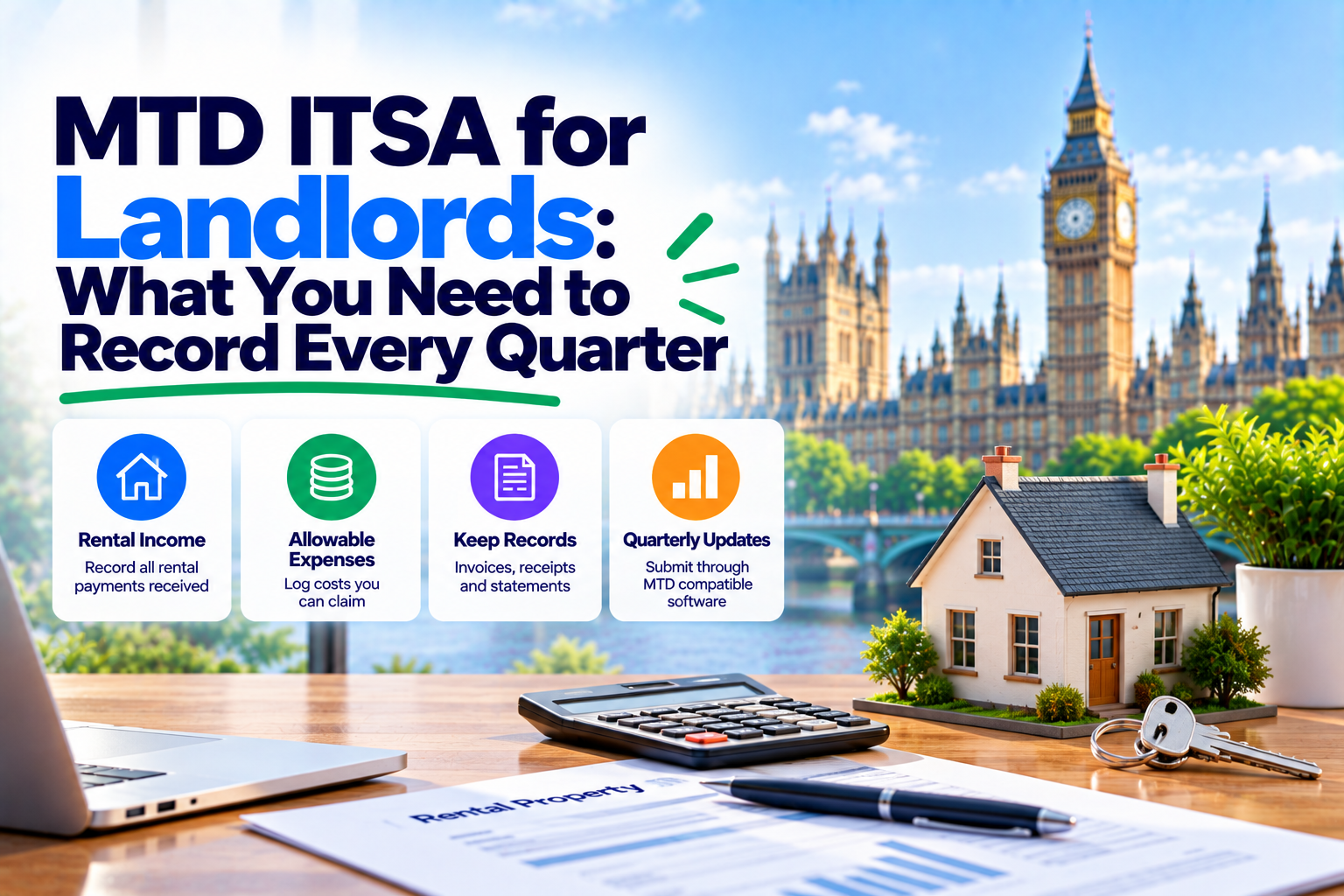
Every three months, landlords mandated to use MTD for Income Tax should submit a summary of their gross property income and allowable expenses to HMRC. This is not a tax return – no taxes are due at this point – but the information is used to build a running estimate of your tax bill. Records must be stored digitally (not necessarily in Excel), and there are four update deadlines per year, with the first one due on 7 August 2026.
Are You in Scope? A 60-Second Check
Making Tax Digital for Income Tax Self Assessment (MTD ITSA) became mandatory for UK landlords and sole traders from 6 April 2026 – if their qualifying income exceeded the relevant threshold.
Qualifying income is your total gross income from self-employment and property combined, before deducting any expenses. If, for example, you have a buy-to-let property that yields £55,000 per annum gross, you are almost certainly within scope as of April 2026, regardless of your mortgage payments.
| Effective from | Qualifying income is over |
|---|---|
| 6 April 2026 | £50,000 |
| 6 April 2027 | £30,000 |
| 6 April 2028 (estimated) | £20,000 |
If you are not within the current threshold, remember that MTD ITSA is due to become mandatory for everyone with qualifying income of over £30,000 from April 2027 – and £20,000 from 2028. It is worth getting your spreadsheet or software ready now while you still have time.
For more detail on who should use MTD ITSA, HMRC’s official guidance on MTD for Income Tax is the best place to start.
For an overview of how MTD ITSA works, see our Making Tax Digital for Income Tax Guide 2026.
What a Quarterly Update Actually Is (and Is Not)
The phrase “quarterly update” sounds like a tax return and has some similarities, but it is not one. Knowing the difference is key to not getting confused later.
A quarterly update under Making Tax Digital for Income Tax reports your business or property income and expenses for the relevant period. Under the standard reporting method, the figures are cumulative from the start of the tax year (6 April) to the end of the relevant quarterly period, rather than covering only the previous three months.
For example, your first quarterly update covers 6 April to 5 July, while your second covers 6 April to 5 October. Your MTD-compatible software uses these figures to help HMRC update your estimated tax position.
A quarterly update is not the same as your Final Declaration. You generally do not pay tax when submitting a quarterly update. Your Final Declaration confirms your overall tax position for the tax year. (See our guide on how to submit your MTD Final Declaration for more information.)
The four quarterly deadlines
The standard tax year in the UK runs from 6 April to 5 April the following year. Your four quarterly updates under MTD ITSA are due by:
| Quarter | Qualifying period | Due by |
|---|---|---|
| Quarter 1 | 6 April – 5 July | 7 August |
| Quarter 2 | 6 July – 5 October | 7 November |
| Quarter 3 | 6 October – 5 January | 7 February |
| Quarter 4 | 6 January – 5 April | 7 May |
For the 2026/27 tax year, HMRC has announced transitional arrangements – no penalties will be charged for late quarterly updates. However, late Final Declarations and late payments still incur penalties. You can find more about what to expect for the 2026/27 tax year in our What to check before your second quarterly update article.
Property Income: What to Record Each Quarter
The income section of your quarterly update should include all rental income you have received during the period. As a landlord, you are most likely on the cash basis for property income (unless your gross rental income is over £150,000), which means you record income when you receive it in cash or into your bank account, not when it is due.
What counts as property income
- Monthly rent received – your main source of landlord income. You should record the full amount of rent paid to you by tenants, before any deductions.
- Service charges – if a tenant pays a service charge to you, it should be included in your property income.
- Deposits received – if you deducted any money from a tenant’s deposit at the end of the tenancy, this should be recorded as income in the tax year it was retained by you.
- Other property-related receipts – such as money received for providing additional services to a tenant (storage space, parking, and so on) or a penalty for terminating a lease prematurely.
Multiple properties
If you have more than one rental property, you can report your income and expenses in two ways:
- Consolidated reporting – you report all of your rental income and expenses in one set of figures per quarter.
- Non-consolidated reporting – you report each property’s income and expenses separately.
Either method is acceptable, but consolidated reporting is more common among landlords with a small number of buy-to-let properties. Your spreadsheet or MTD software will help you keep track of your income and expenses per property.
Allowable Expenses: What to Include in Your Quarterly Update
To qualify as an allowable expense, a cost incurred to maintain a rental property must be wholly and exclusively for that purpose. Personal expenses are never allowable, even if they are related to your property in any way.
| Expense type | Allowable? | Notes |
|---|---|---|
| Letting agent fees | Yes | Fees for managing your property, finding tenants, and any fees due upon tenant renewal are all allowable. |
| Repairs and maintenance | Yes | Revenue expenditure – minor works to maintain your property (replacing a boiler, repairing a roof, and so on). Larger-scale repairs are classified as capital expenditure and are not allowable expenses. |
| Buildings and contents insurance | Yes | The portion relating to your rental property. |
| Council tax and utility bills | Yes | Paid by you, not the tenant, for the property itself. |
| Advertising and marketing | Yes | Advertising costs to attract tenants to your property, such as online ads, are allowable expenses. |
| Professional fees | Yes | Accountancy fees and legal fees for lease renewals are allowable – however, fees for creating a lease are not. |
| Travel to the property | Partially allowable | Travel costs to your property to maintain it are allowable – personal visits to your property are not. |
| Mortgage interest | Restricted | Interest on a mortgage for a residential property is no longer an allowable deduction. Finance costs are included in the calculation of your basic rate tax credit at the Final Declaration stage. Record your mortgage interest separately. |
| Capital expenditure | No | Additions and improvements to a property (new bathrooms, kitchens, and so on) are not allowable expenses. They should be declared separately. |
| Personal expenses | No | Personal expenses incurred for your benefit are never allowable. |
A full list of allowable expenses for landlords is available in HMRC’s guidance on expenses and allowances for landlords.
Digital Record-Keeping: What HMRC Actually Requires
MTD ITSA does not require you to use any specific software. As long as your records are digital, not paper-based, you are within the rules. In practice, this means a spreadsheet is an acceptable way of recording your property income and expenses – as long as you have a digital copy of it.
What HMRC means by “digital records”
HMRC requires relevant business and property income and expense records to be kept digitally under Making Tax Digital for Income Tax. You can enter transaction details manually into a digital spreadsheet or compatible software; manual entry itself is not prohibited.
However, where a digital link is required, data must be transferred between the relevant software components digitally, without manually re-entering or copying and pasting figures between them. For example, bridging software can connect your spreadsheet records to HMRC’s systems for submitting quarterly updates.
You should keep appropriate supporting records, such as invoices and receipts, to support the figures you report to HMRC.
What qualifies as a digital link, and what does not?
- An electronic copy of a paper record does not constitute a digital link.
- If you keep your records in a spreadsheet, you can connect it to HMRC software using bridging software that can read spreadsheet files.
- If you type in the figures from your spreadsheet or other record-keeping tool into HMRC’s software, it is not a digital link.
- Electronic communication such as email, text message, or instant messaging is not a digital link, either.
MTD ITSA record-keeping requirements
- The date and amount of each income or expense item
- The date, amount, and category of any allowable expenses
- The property these items relate to, if you have more than one
You must also retain any supporting documentation (invoices or receipts) in case HMRC asks for them. As under the traditional Self Assessment system, you are required to keep records for at least five years after the end of the tax year (i.e. until 31 January 2031 for the 2026/27 tax year).
HMRC-recognised software options (including bridging software) can be found on the GOV.UK compatible software list.
To understand how MTD ITSA interacts with VAT and Self Assessment, see our VAT Returns and Self Assessment: Understanding MTD ITSA in the UK article.
What Actually Gets Sent to HMRC Each Quarter
Your quarterly update to HMRC should include the following for the period:
- Total gross property income – the total amount of rent, service charges, and other income received from tenants.
- Total allowable expenses – the total amount of expenses you have claimed for the period.
That is all – no tax calculations or additional information is required at the quarterly stage. HMRC will use the figures to update your running tax estimate, which you can view in your MTD software.
All of the information about your other income, expenses, allowances, and deductions that HMRC needs to calculate your tax bill is due with your Final Declaration by 31 January following the end of the tax year.
Worked Example: Sarah the Landlord
Sarah is a buy-to-let landlord with two properties in the UK. Together, they provide gross rental income of £62,000 per annum. As her qualifying income exceeds £50,000, she is mandated to use MTD ITSA from 6 April 2026.
Sarah keeps her landlord records in an Excel spreadsheet – one sheet for each of her properties. She updates the sheets every month, recording any income received and expenses incurred.
Sarah’s Quarter 1 (6 April – 5 July 2026)
| Property A | Property B | Total | |
|---|---|---|---|
| Income: | |||
| Rent received | £3,750 | £3,000 | £6,750 |
| Expenses: | |||
| Letting agent fees | £375 | £300 | £675 |
| Buildings insurance | £90 | £75 | £165 |
| Repairs (broken fence) | £280 | – | £280 |
| Total expenses | £745 | £375 | £1,120 |
As a consolidated reporter, Sarah’s quarterly update to HMRC includes her gross rental income of £6,750 and her allowable expenses of £1,120. Using 11 MTD Bridge, she uploads her spreadsheet and submits the update to HMRC – her spreadsheet is parsed, the numbers are double-checked by the software, and the submission is made without any additional input from Sarah. Sarah has enough time to file her update well ahead of the 7 August deadline.
The mortgage interest for the two properties (recorded separately) will be claimed as a finance cost at the Final Declaration stage, with a 20% basic rate tax credit due on them.
Common Mistakes Landlords Make – and How to Avoid Them
Recording net income instead of gross
Incorrect: Deducting letting agent fees or mortgage interest before recording your landlord income is incorrect – always record gross rent received.
Claiming capital improvements as expenses
Incorrect: Adding a new kitchen, bathroom, or bedroom to your property is capital expenditure. It cannot be claimed as an expense – it should be declared separately.
Breaking the digital link
Incorrect: Manually typing spreadsheet information into another portal breaks the digital link.
Correct: Use bridging software that can read spreadsheet data and submit it to HMRC directly.
Recording mortgage interest as an expense
Incorrect: Mortgage interest for a residential property is a finance cost and is not deductible as an expense.
Correct: Declare a finance cost separately on your Final Declaration.
Skipping a nil update
Incorrect: If you have no income or expenses in a tax period, you must still submit a nil (zero) update.
Correct: Always submit a quarterly update, even if you had no landlord income or expenses for the period.
Confusing the quarterly update with a tax return
Incorrect: The quarterly update is not a tax return – no tax is due at this point. You cannot claim any allowances or deductions in your quarterly update.
Correct: You can only claim allowances and deductions in your Final Declaration at the end of the tax year.
Next Steps for Landlords
-
Check your qualifying income. Do you have any property or self-employment income? If so, add it all up for the last full tax year – if it exceeds £50,000, you are within scope of MTD ITSA for the 2026/27 tax year.
-
Sign up with HMRC. Register for MTD ITSA using your Government Gateway ID or through an approved software provider. Signing up is a separate step – being within scope of MTD ITSA is not the same as being registered for it.
-
Set up your digital records. If you want to keep your records in a spreadsheet, make sure to record your expenses digitally and, for each property, keep track of the date and category of the expense. This will make consolidation easier if you have more than one rental property.
-
Choose compatible HMRC software. Bridging software lets you keep your spreadsheet records while submitting your quarterly MTD ITSA update to HMRC – it maintains a digital link between your records and HMRC. You can try 11 MTD Bridge for free (no credit card required).
-
Submit your quarterly update. Remember the deadlines – for the 2026/27 tax year, they are 7 August, 7 November, 7 February, and 7 May. Set a calendar reminder so you do not miss any of them.
Frequently Asked Questions
Do I need to submit a quarterly update for every property separately?
Not necessarily. HMRC allows consolidated reporting, where you combine income and expenses across all your properties into a single set of figures per quarter. Alternatively, you can report property by property (non-consolidated). Most landlords with a small portfolio find the consolidated approach simpler. Your MTD software will let you choose.
Can I use a spreadsheet for MTD ITSA?
Yes – a spreadsheet is acceptable as the source of your digital records, provided you use HMRC-compatible bridging software to submit the data to HMRC. The bridging software maintains the digital link between your spreadsheet and HMRC’s systems. You do not need to abandon your existing Excel records.
What if my property income falls below £50,000 mid-year?
Once you are enrolled in MTD ITSA, you generally remain in the scheme. HMRC determines your qualifying income based on the previous tax year’s figures. If your income drops significantly and you believe you may be entitled to leave the scheme, check HMRC’s current guidance or speak to a tax adviser. Do not simply stop submitting quarterly updates without confirming your status with HMRC.
Is the quarterly update the same as a tax return?
No. The quarterly update is a simple summary of income and expenses for a three-month period. No tax is calculated or paid at this stage. The Final Declaration – submitted after the end of the tax year – is where your full tax position is confirmed, reliefs are claimed, and your payment on account or balancing payment is established.
What is the penalty for missing a quarterly update?
For the 2026/27 tax year, HMRC has confirmed a soft landing: no penalty points will be issued for late quarterly updates. However, this applies to quarterly updates only. Penalties for late Final Declaration submission and late payment of tax remain in force. From the 2027/28 tax year, a points-based system is expected to apply, where each late submission accrues a point and accumulating enough points leads to a fixed financial penalty.
Does my jointly-owned property count towards my threshold?
Yes – but only your share of the gross rent counts. If you and another person each own 50% of a property generating £80,000 per year in rent, your qualifying income from that property is £40,000, not £80,000. Add that to any other self-employment or property income you receive individually to determine whether you are over the threshold.
Summary
Quarterly updates contain gross income and allowable expenses only – no tax calculation or payment is due.
Four deadlines per year: 7 August, 7 November, 7 February, and 7 May – always include a nil update if you had no income or expenses.
Spreadsheets are an acceptable record of your income and expenses – keep records digitally and use bridging software to submit your quarterly update to HMRC.
Mortgage interest is not an allowable expense – record it as a finance cost and claim a basic rate tax credit at the Final Declaration.